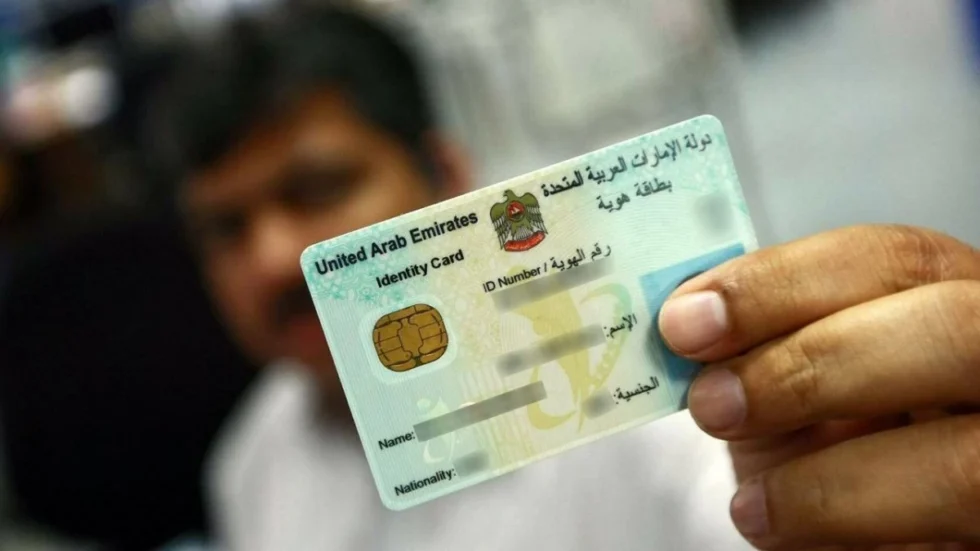
Dubai: Losing your Emirates ID can feel stressful, as it is the most important identity document for you as a UAE resident. But replacing it is a straightforward process, if you follow the right steps.According to the Federal Authority for Identity, Citizenship, Customs and Port Security (ICP), you can apply for a replacement card quickly through official channels, with the new card issued for the same validity period as your original one.Here’s a simple, step-by-step guide based only on ICP procedures.Which documents are required?In order to apply for a new Emirates ID, all you need is:1. Passport copy2. Coloured photograph, which meets ICAO specificationsThese are the International Civil Aviation Organisation (ICAO) specifications:Image: high quality, recent, coloured, not older than six months (35 to 40 mm in width)Background: white.Features: Neutral facial expressions (natural, not exaggerated).Head position: Straight, not tilted, parallel to the photographic lens.Eyes: Open towards the camera and without the use of coloured lenses.Glasses: Acceptable as long as they do not obscure the eyes and do not reflect light.Dress code: Similar to the dress on the holder’s passport.Head covering: Allowed according to national dress or religious belief.Resolution (pixels): At least 600 dpi without ink traces or shrinkageSubmit your applicationIf you wish to submit your application online, follow these steps:Visit https://smartservices.icp.gov.ae/echannels/web/client/default.html#/login and sign in using your UAE Pass.You will then be redirected to your personal dashboard. Select the immigration department as applicable. For example, if your visa was issued in Dubai, you will see the option for Dubai Federal Authority for Identity and Citizenship.Next, in the ‘module’ section, select ‘Emirates ID services’ and then under ‘Service’, select ‘Emirates ID for resident’.Under ‘service action’ select ‘Replace Emirates ID’.You will be redirected to a form, which you need to fill out. Under ‘Replacement types’, select ‘lost/stolen’.You will then see that the next section of the form already has information filled in based on your personal details and visa details as per the system. If there are any details that you would like to add, like your education qualification or your UAE address, you can do so at this stage.In the ‘beneficiary information’ section, select your preferred language – Arabic or English.Then, in the delivery information, you can choose whether you want to pick up your ID from the nearest Amer centre, or have it delivered to your residence.Make the payment: Complete the payment for the replacement service and any additional options you choose.Alternatively, you can also apply for a replacement at the following ICP Customer Happiness centres:KhalifaAjmanSharjahAl GhazalAl RashidiyaRas Al KhaimahAl BarshaAl JaziraAl AinFujairahHow much does it cost?Replacement Emirates ID (lost/damaged): AED 300Urgent service (service centres only): AED 150Smart services fee: AED 100You will receive your new Emirates ID within five working days.